One encrypted database
People, notes, tasks, meetings, computers, and accounts live together and are searchable together. The file on disk is encrypted, and it stays on your PC.
Coming soon · MoVault for Windows
MoVault holds the things you need to remember — people, notes, tasks, meetings, computers, and the accounts that go with them — in one encrypted database on your own machine. No cloud. No sync. No account to create.
MoVault is a Windows desktop application, from the makers of Mo-Search.
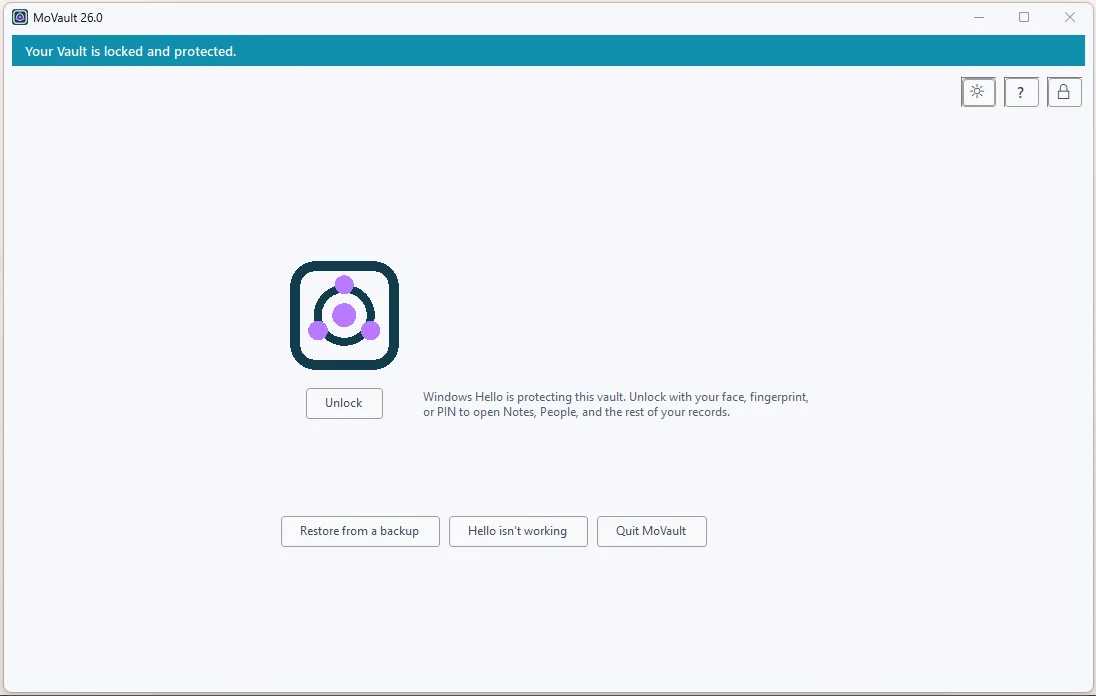
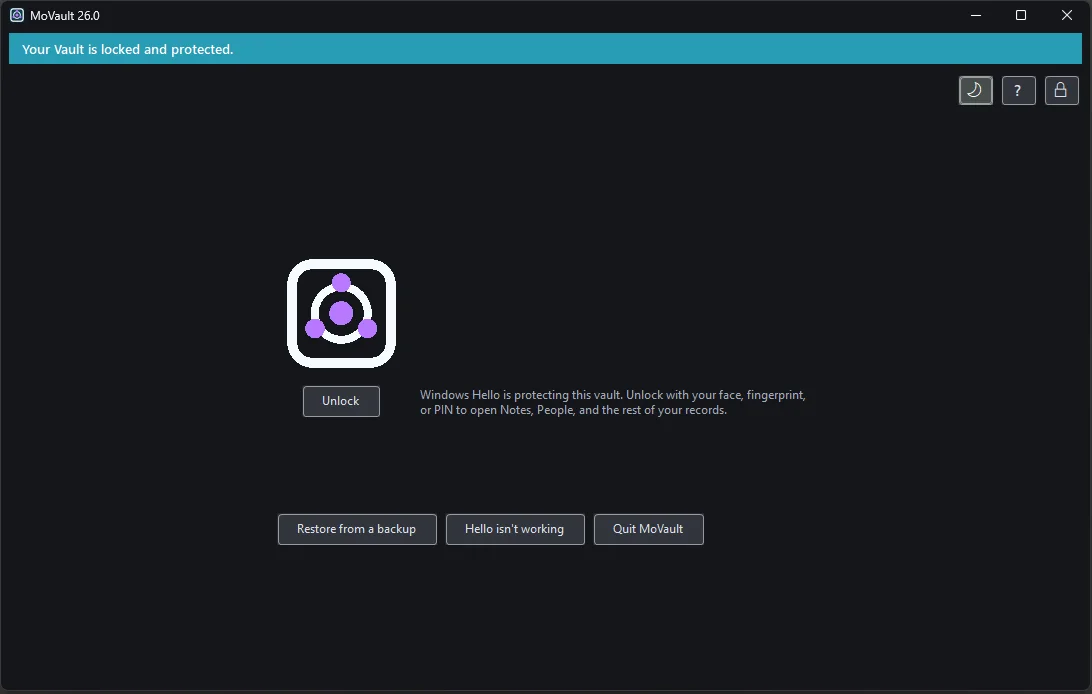
A private workspace with a proper password store — not a password manager with fewer tricks.
People, notes, tasks, meetings, computers, and accounts live together and are searchable together. The file on disk is encrypted, and it stays on your PC.
Optional, and off until you turn it on. With Hello enabled your face, fingerprint, or PIN opens the vault, and it locks itself again when you are idle, press Win+L, or the PC sleeps.
A hotkey picker copies a password, then clears it after 30 seconds and stays out of Windows clipboard history. Passwords never reach search, logs, diagnostics, or anything an AI assistant can read.
MoVault writes an encrypted backup on a schedule you control, and a recovery code only you hold. That pair is how you move to a new PC — no vendor account is involved.
Most other vaults keep your files or passwords in a company's data centre and gate them behind an account you sign in to. That design means your records exist somewhere you do not control, protected by someone else's access rules, outages, and policy changes.
MoVault takes the other path, the same one Mo-Search takes with your file index: the data is on your machine, encrypted, and nothing about it is uploaded. There is no account to create, nothing to sign in to, and no server that can be breached on your behalf. Read the privacy note.
Being clear about this up front is better than a surprise after you install it: